Introduction:
It’s more than obvious that positive reviews and feedback can make your business stand out and attract new customers. It’s important to have great reputation management inside your online business to engage with customers and respond to reviews whether positive or negative.
It helps to build mutual trust with customers because they are going to feel you truly care. It’s also a great opportunity to resolve any concerns.
Here Automatescale’s reputation management feature comes for help and takes your management to the next level improving your online presence.
So, today’s article is about Automatescale’s reputation management. Here we’ll discuss how you can set up and sell Automatescale reputation management.
What is Reputation Management
Reputation management is a CRM feature inside the Automatescale platform. It allows you to automatically or manually request reviews through email or SMS. It also gives an opportunity to view and respond to Google My Business and Facebook reviews going through detailed analytics. If you have a US-based business you can refer to Yext to view reviews from other sources.
How to Set up Automatescale Reputation Management
Go to your Automatescale account.
Click on ‘Reputation’ on the left side of the page.
Here you see ‘Overview’, ‘Requests’, ‘Reviews’, and ‘Widgets’. There is also a setting section. Click on the settings and you’ll be redirected to the ‘Reputation management’ page.
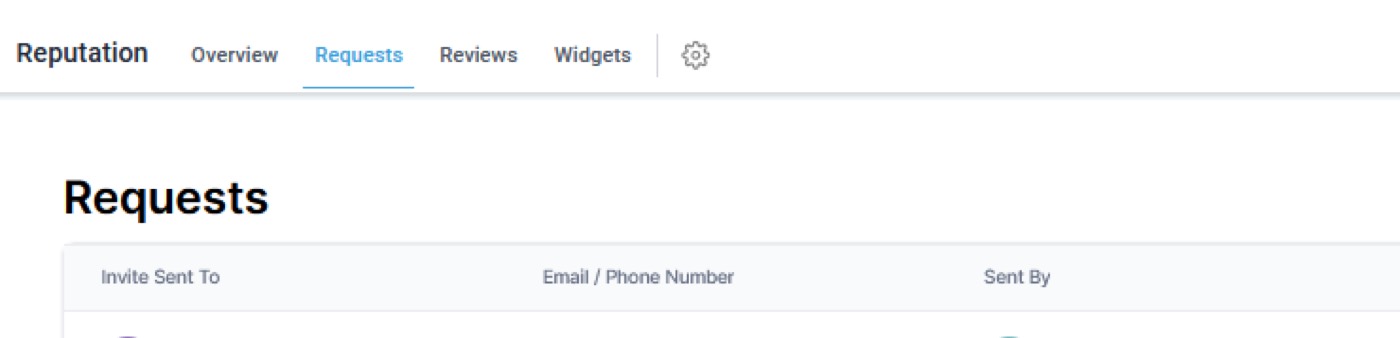
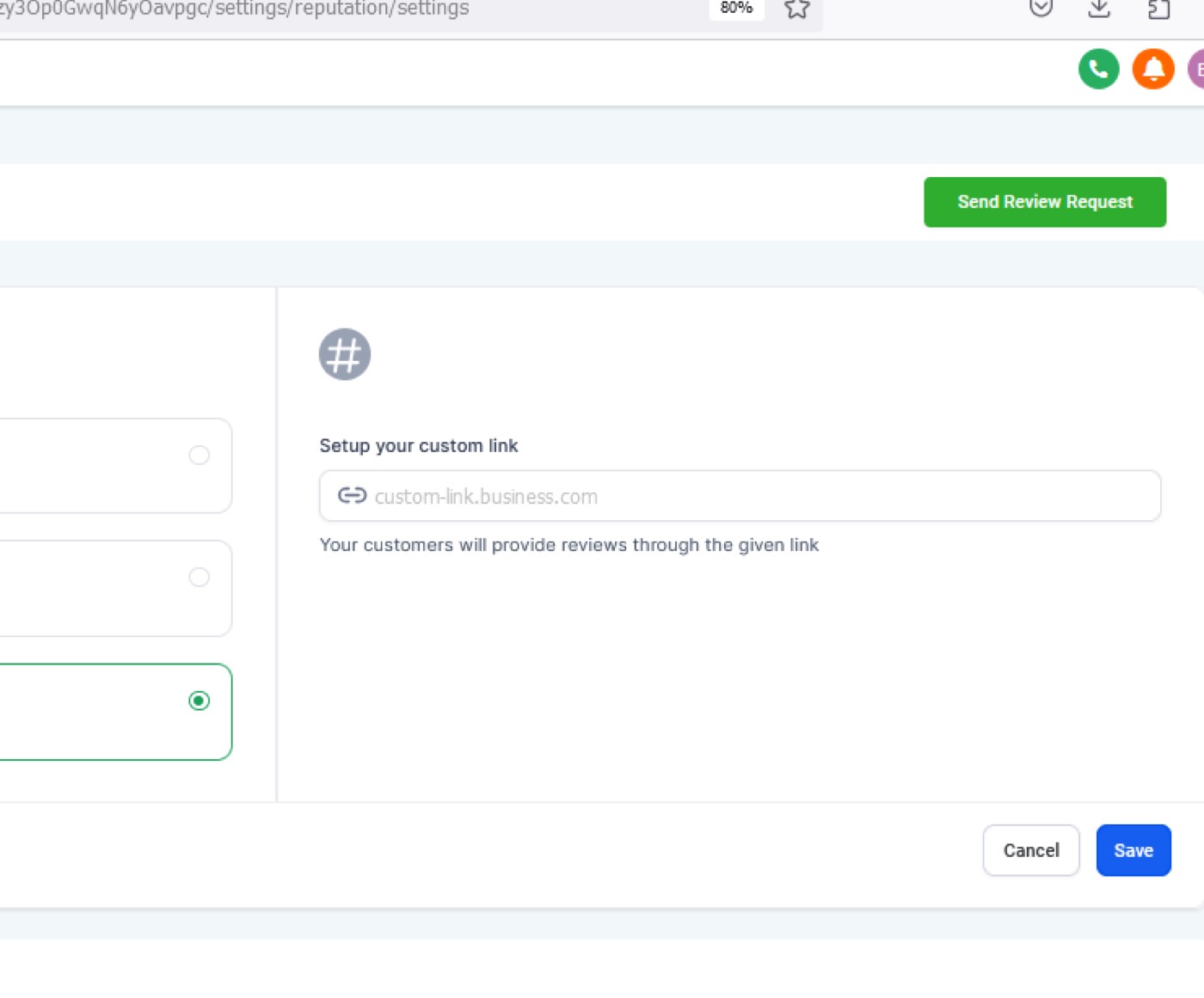
Click on on “send review request" on the right side of the page.
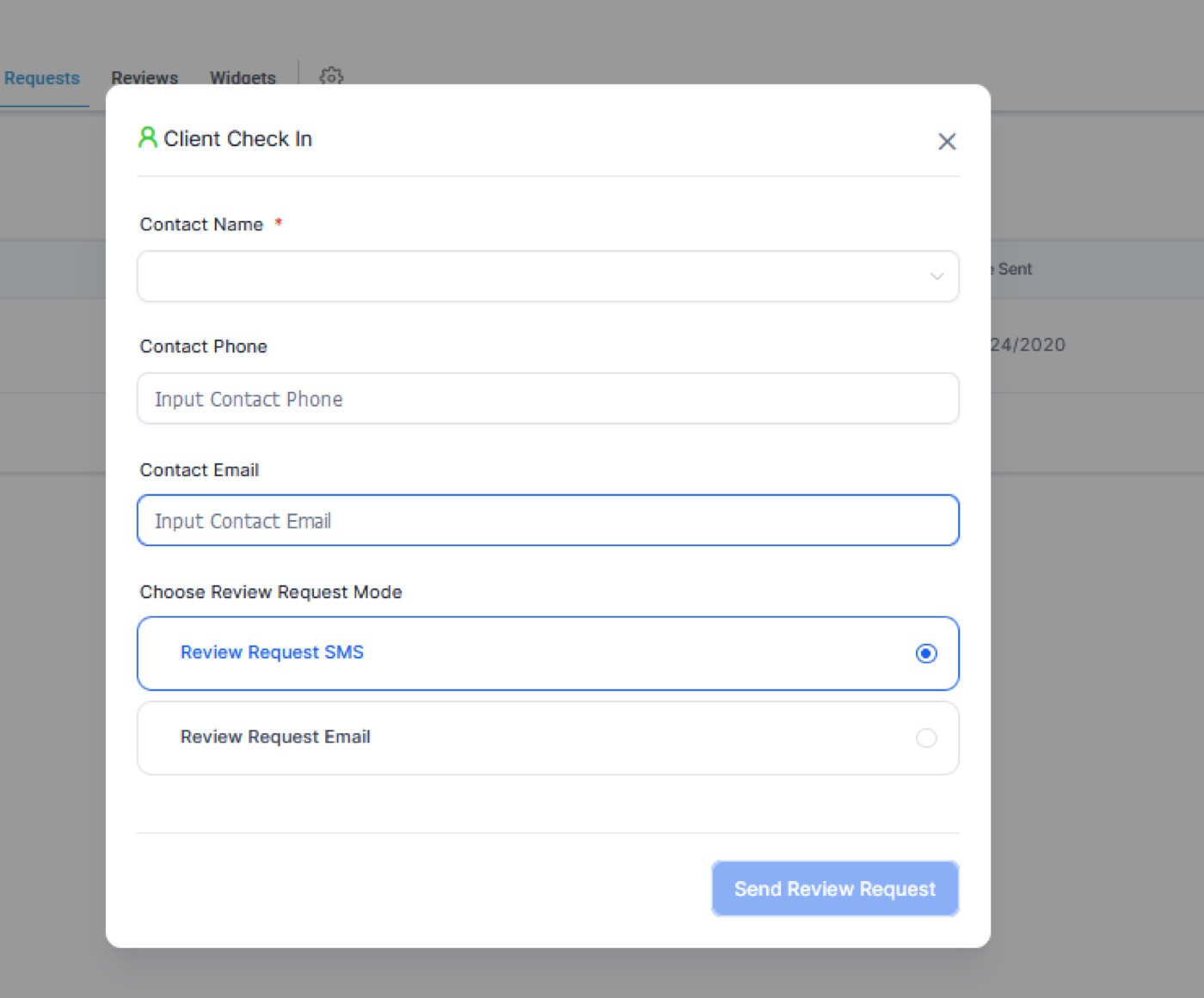
Fill in the required fields and send the review request to the chosen customer.
You can add images, additional details and of course your request message.
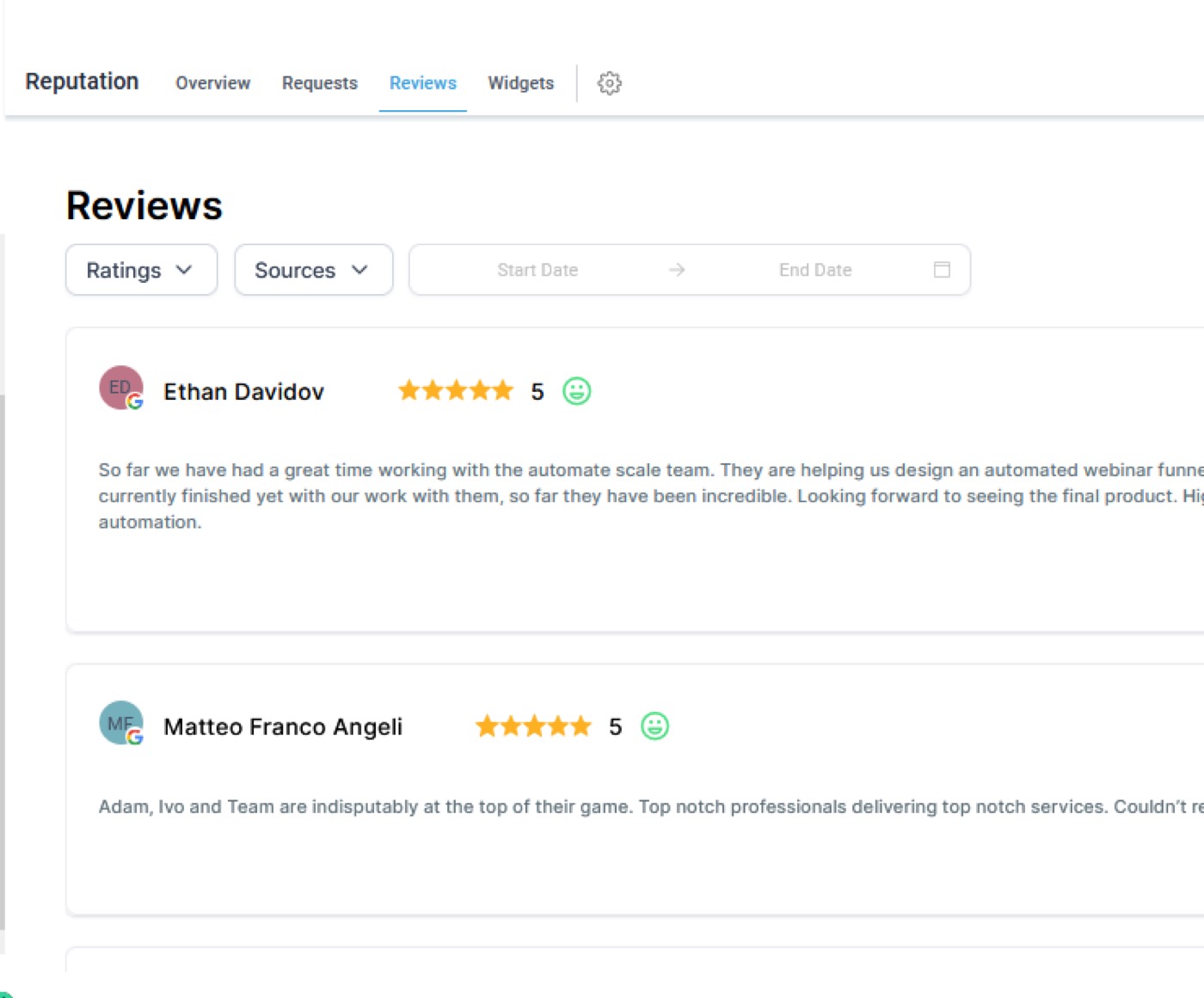
Next, you can check the reviews and testimonials in the ‘Reputation’ page.
Go to ‘Reviews’ under the ‘Reputation’ feature.
Here you can see the reviews of your customers.
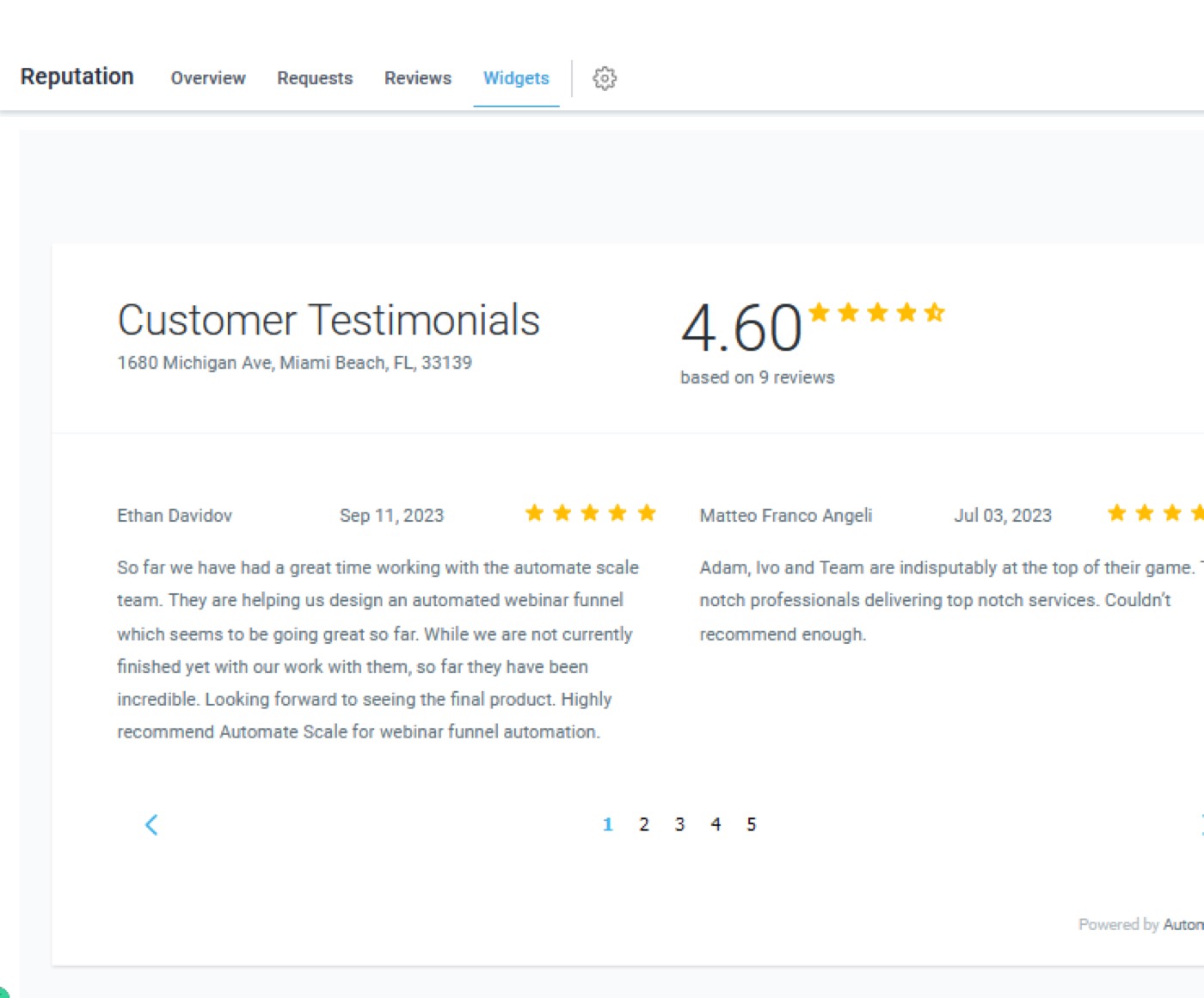
Then, click on ‘Widgets’ to see the customer testimonials and your rating.
Here you can edit your widgets, add templates, etc.
Go to ‘Overview’ to see all of the reviews and your average rating. There you can check ‘Invite trends’ and ‘Review trends’.
The Benefits of Automatescale Reputation Management
Reputation management is a must for any business. Almost 90% of potential customers and online buyers look for reviews and customer feedback before making a purchase. It turns out your reputation and reviews play a crucial role in the growth of your business.
The more reviews you receive the better for your business. Thus, Automatescale’s reputation management feature is a great option to build trust with your customers. The best part about this feature is that you immediately get notified about new reviews whether positive or negative. So, you can immediately take action and deal with negative reviews, concerns and give solutions to any problem.
Based on the customer reviews, you can improve your business management and make it more productive. In a word, reputation management is a game changer tool for online businesses.
★ Want this built for you? AutomateScale deploys the AI agent layer, funnels, and automations behind this — for agencies, SaaS founders, and coaches. Apply for a strategy call or subscribe to The Scale Brief.