Introduction:
What are unlimited sales funnels and how to build them? If these are the questions you want to find answers to then you are in the right place. It’s become way easier and more comfortable to build sales funnels at Automatescale and today we’ll learn the way it works to help you stand out in your business marketing.
What is a Sales Funnels
A sales funnel also called a purchase funnel is a visual representation of the steps people take to become your customers. Those steps are usually described as awareness and interest that represent your marketing and lead to research, prospects and leads. The final stage of a sales funnel leads to take an action and buy your products, service, etc.
By using funnel builders at Automatescale you can create landing pages for your website and drive traffic to those landing pages. Then you can send auto emails, SMS, voicemail using Automatescale services.
How to Use Automatescale to Build a Sales Funnels
Automatescale is a sales marketing platform created by a digital marketing expert Adam Palmer. At this platform you can build unlimited sales funnels to scale and boost your business. It’s an amazing system designed for agencies, companies, business owners and marketing experts. Now, let’s see how you can use Automatescale to build a sales funnel for your online business.
Step-By-Step Guide to Build a Sales Funnel
First, log into your Automatescale account. On the left side you’ll see multiple buttons. Click on the ‘Sites’. Here you'll see your Websites, Funnels, Blogs, WordPress, Memberships, Forms,Surveys, Chat Widget, etc. You can create new funnels and have your own templates. There are 2 ways.
1. Click on ‘New Funnel’ and type the desired Funnel Name
Click on ‘Create Funnel’.
Next you’ll see ‘Add New Step’. Click on it and fill in the fields.
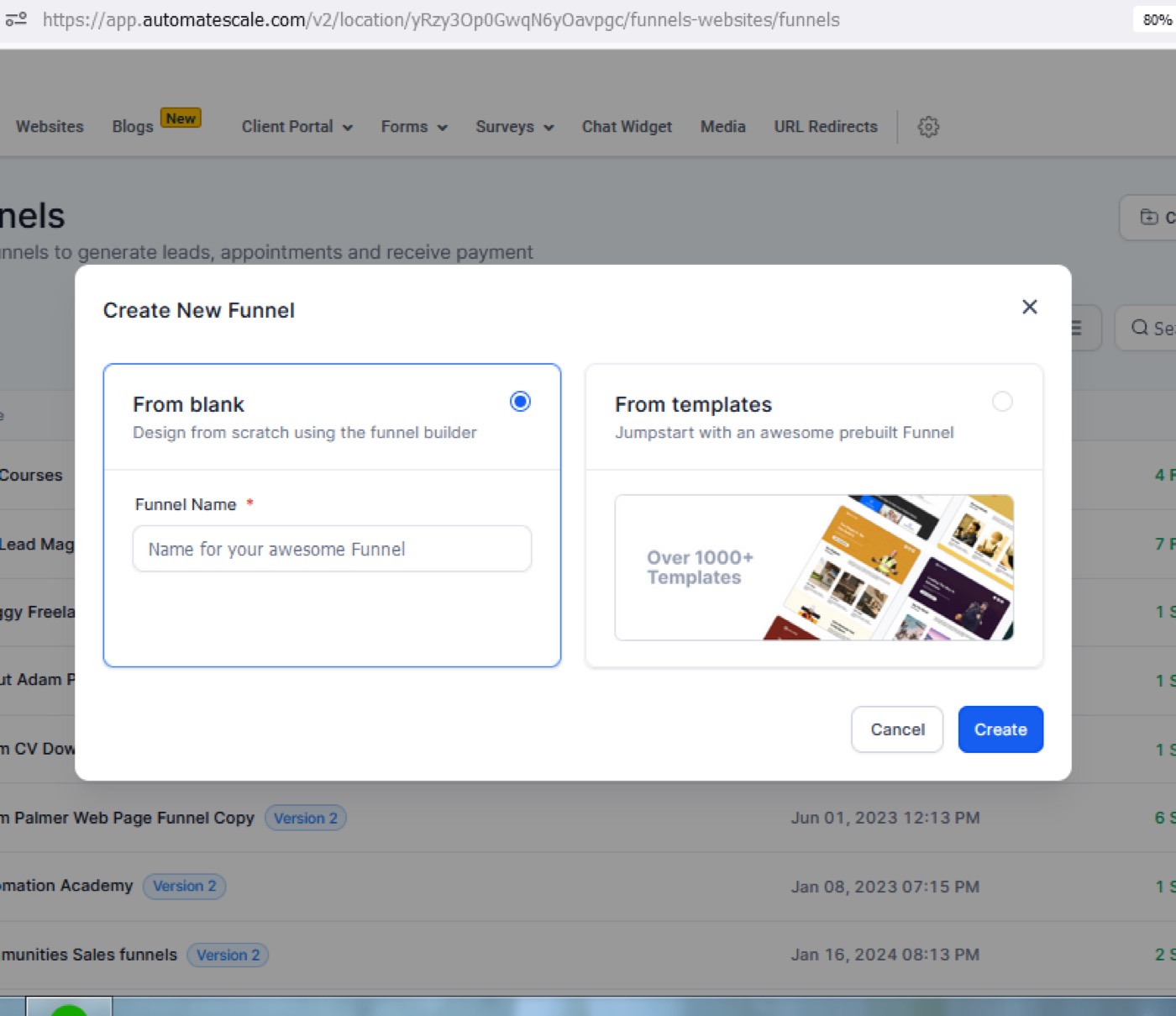
2. Click on ‘New Funnel' and Click on ‘Go to Template Library'.
Here you’ll see different templates of different industries. You can choose a template for your business/agency. It’s a plug-and-player system for your financial advisors.
Click on one of the templates according to your preferences and business needs. Between hundreds of templates you can choose to use the ones that best represent your service or industry. These are easily customizable pre-designed templates.
Click on the button ‘Continue’ and then on the button “Get this Template”.
Refresh your screen to see the new funnel on your list.
On the left side you see Home, Appointment, Thank You, Add New Step buttons. Choose one or some of them depending on your industry type and offers and add details.
Note: You can edit the chosen template by adding a name, background picture, logo, customer testimonials, contact details, and many other details that you find necessary for your sales funnels.
Calendar Settings
Calendar settings are usually used for appointments, events, webinars, etc. So, if your funnel is based on appointment bookings and the like then make sure you offer a date and time within calendar settings.
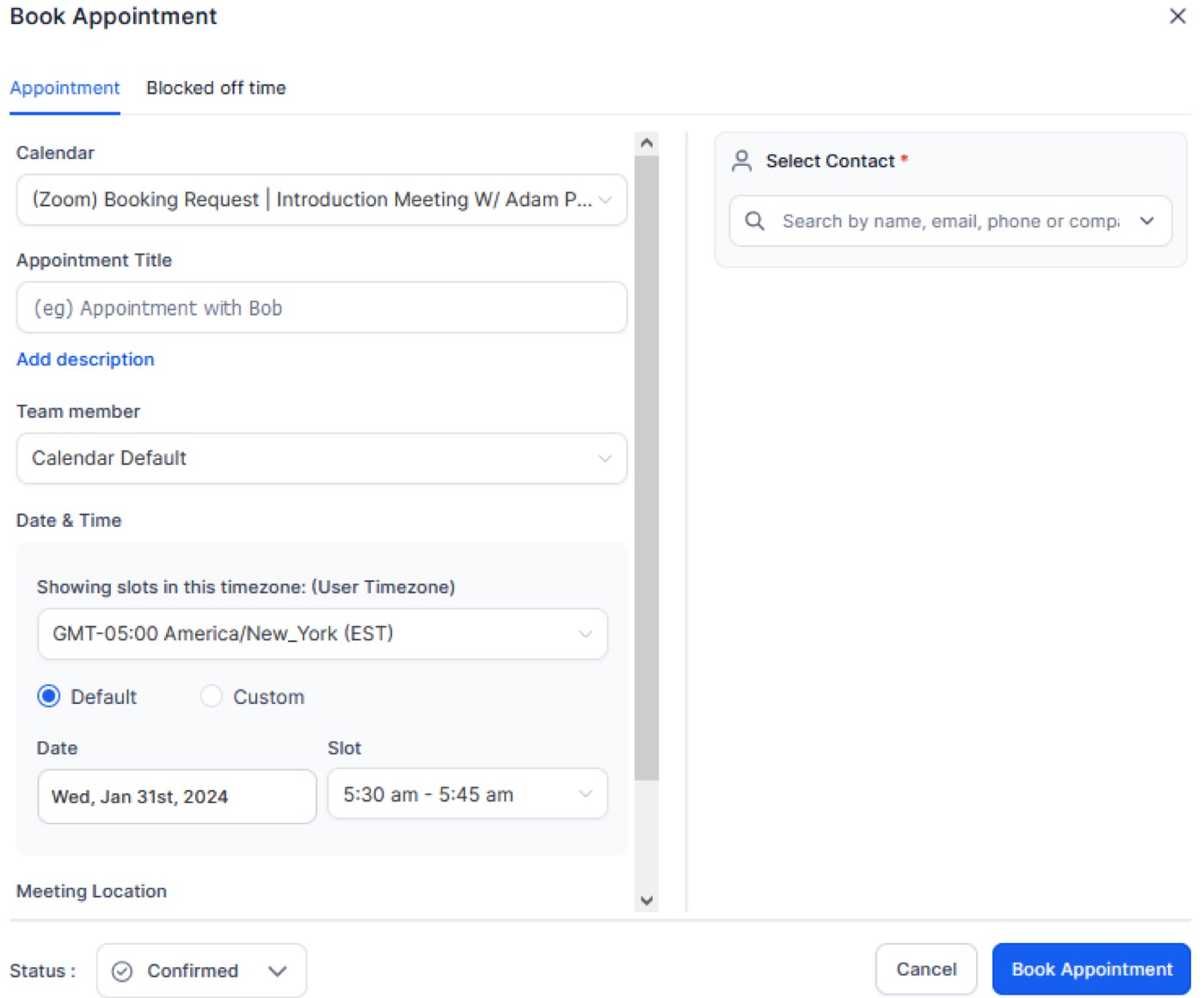
One of the biggest advantages of using a calendar is that you can charge a fee upfront if you have coaching. However, you should be careful with this feature so as not to lose a customer. You can also use the calendar to send reminders to your potential customers.
Automation Setup
Now, as you know how to build a sales funnel at Automatescale, you can go to the dashboard of your account and continue with Automation.
Click on 'Automation’ on the left side.
Then click on ‘Workflows’.
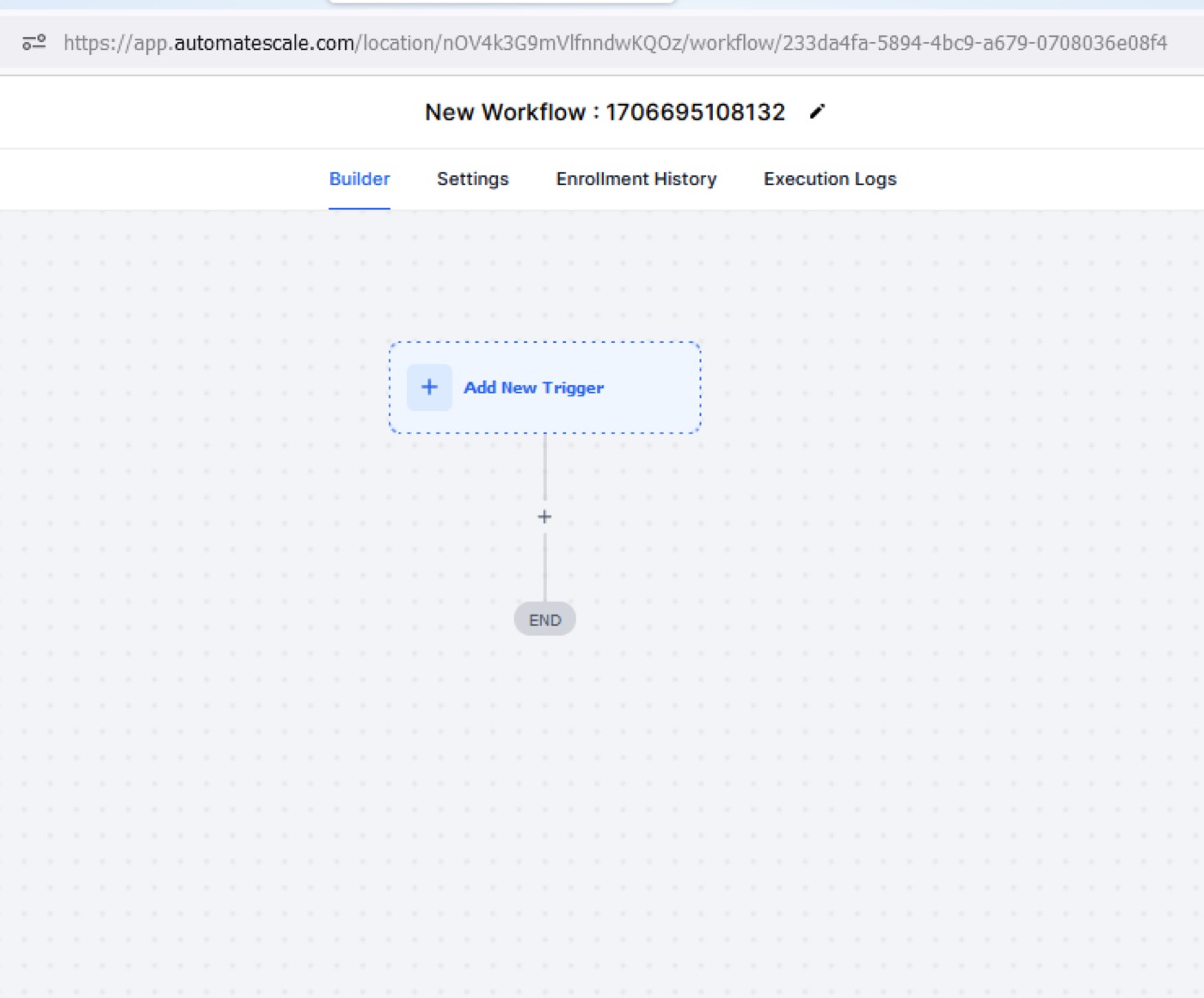
Click on ‘Create new workflow’.
Here you’ll see ‘Actions’ where you can create and send appointment prompts, text messages, SMS reminders, emails, add a workflow trigger, check and edit the appointment status, etc.
Summing Up
Although it’s quite simple to create sales funnels and setup automation, you can always refer to the support of Automatescale to ask any questions related to sales funnels.
If you don’t have a website for your business you can use Automatescale services to build the desired website and create unlimited sales funnels. Thanks to the latest innovations and AI developments in the digital marketing industry, Automatescale’s services give you unlimited opportunities to elevate online businesses.
★ Want this built for you? AutomateScale deploys the AI agent layer, funnels, and automations behind this — for agencies, SaaS founders, and coaches. Apply for a strategy call or subscribe to The Scale Brief.